

Explore (Feed)
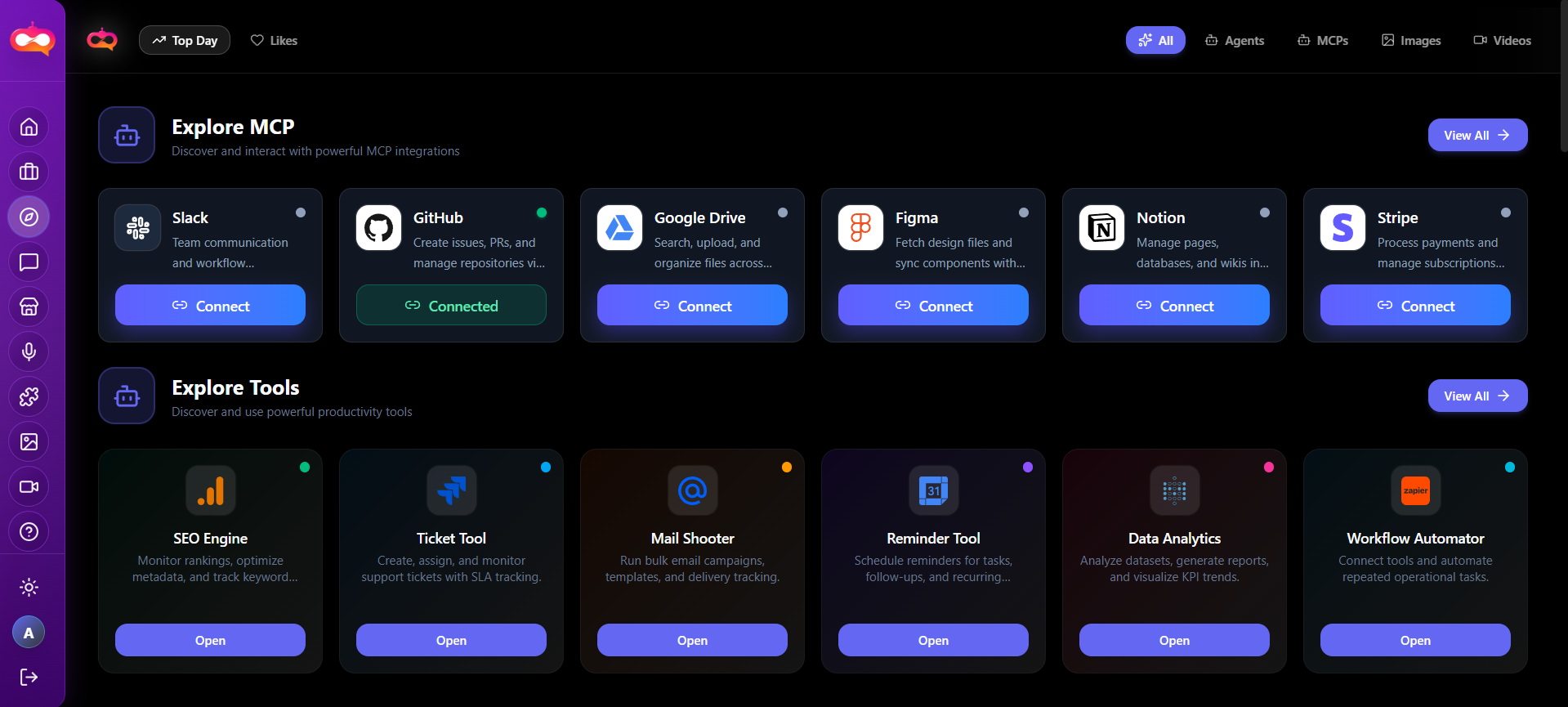
Explore is the discovery surface inside the signed-in application: a feed of community and showcase content you can use for inspiration, benchmarking, and learning how others prompt models. It complements—but does not replace—your personal gallery on the dashboard.
Audience — Creators and strategists who want to see trends, styles, and agent-related highlights before committing prompts in tools.
In this article
- How Explore differs from your dashboard gallery
- When to use the feed in your creative process
- Practical ways to translate feed ideas into tool settings
- Relationship to public marketing showcases
Opening Explore
Navigate to Explore from the main app navigation. The route is optimized for browsing and discovery rather than file management; your own generations remain centralized under the dashboard and Creation history.
Explore vs your gallery
| Area | Primary purpose |
|---|---|
| Dashboard gallery | Your outputs, filters by type, visibility controls for your account. |
| Explore (Feed) | Broader discovery—community posts, inspiration, trends. |
| Creation history | Chronological audit of jobs and results for retrieval. |
Workflow tip
How to use the feed effectively
Research and mood boards
Scroll to identify aesthetics, color palettes, and composition patterns. Screenshot or note prompts only if your policy allows—respect copyright and community guidelines.
Translating inspiration into action
- Identify one attribute to copy (e.g. lighting, camera angle).
- Rewrite a prompt in your own words; do not paste others’ proprietary text without rights.
- Select a model in tools that matches the style family (photoreal vs illustrative).
- Iterate in small steps rather than changing every variable at once.
Relation to the marketing site
The public homepage may show similar “community” or showcase sections for visitors who are not signed in. Explore delivers an interactive, in-app experience with the navigation and account context you need while working.